

Bytonian Mods
Game mods for Windows and YouTube Playables.
Explore mods and customisation options for supported Steam games and YouTube Playables with the Bytonian Mods app.
Windows app details & installation guideExplore supported games and mods
Find your game and discover its available mods and customisation options, from Steam titles to games you can play on YouTube.
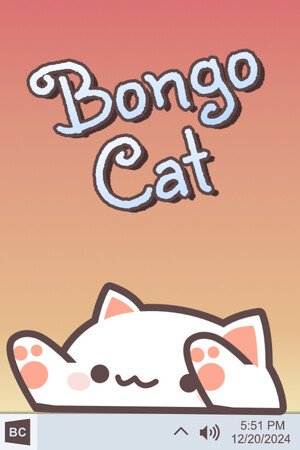
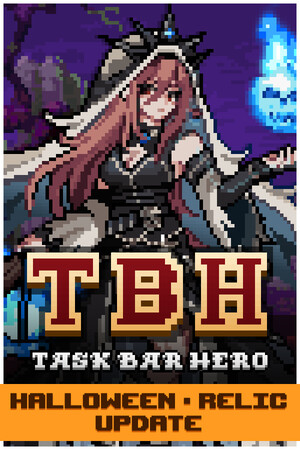
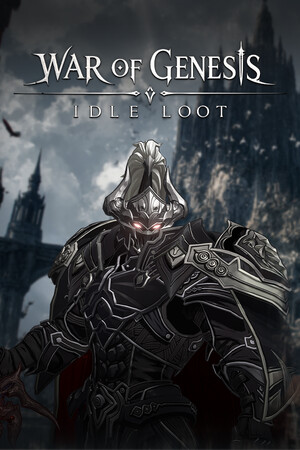
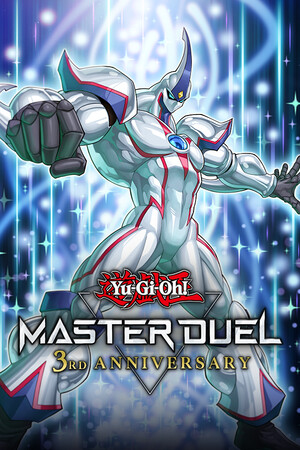




100% free
Free Steam achievement unlocker
Unlock achievements in every Steam game you own that has Steam achievements. Add a Steam Store URL or App ID in the Windows app, even if the game is not listed on this website. No purchase or paid membership is required.
Learn how to unlock Steam achievements for freeGet started with Bytonian Mods
Find your game
Browse the catalog and open a game page to see its available mods and options.
Get the Windows app
Download Bytonian Mods and follow the setup prompts. Browser games also use the browser extension.
YouTube Playables setup guide →Choose your options
Connect your supported game in the app, then choose the available options you want to use.
Before you get started
Check your game's available options
Features vary by game. Review its catalog page before installing or purchasing content. Some content is free; other content requires a purchase or membership.
Need a hand?
Visit Support for setup guidance, account help and ways to contact us. You can also review our terms and privacy policy.